Share your training progress on socials with KULG recap
KULG has launched a new way for runners to share their training progress on socials, available now on KULG iOS app.
And in a typical KULG way, it's not about sharing one single workout but about showing your progress over weeks, months, or even the whole year. Because a single activity rarely tells the whole story. It's the consistency over longer time, that moves the needle.
Turn weeks, months, or a year of training into a shareable visual recap of your progress. Download pie, line, or bar charts across 20+ activity types with white, black, or transparent backgrounds, and easily overlay them on your own images for sharing.
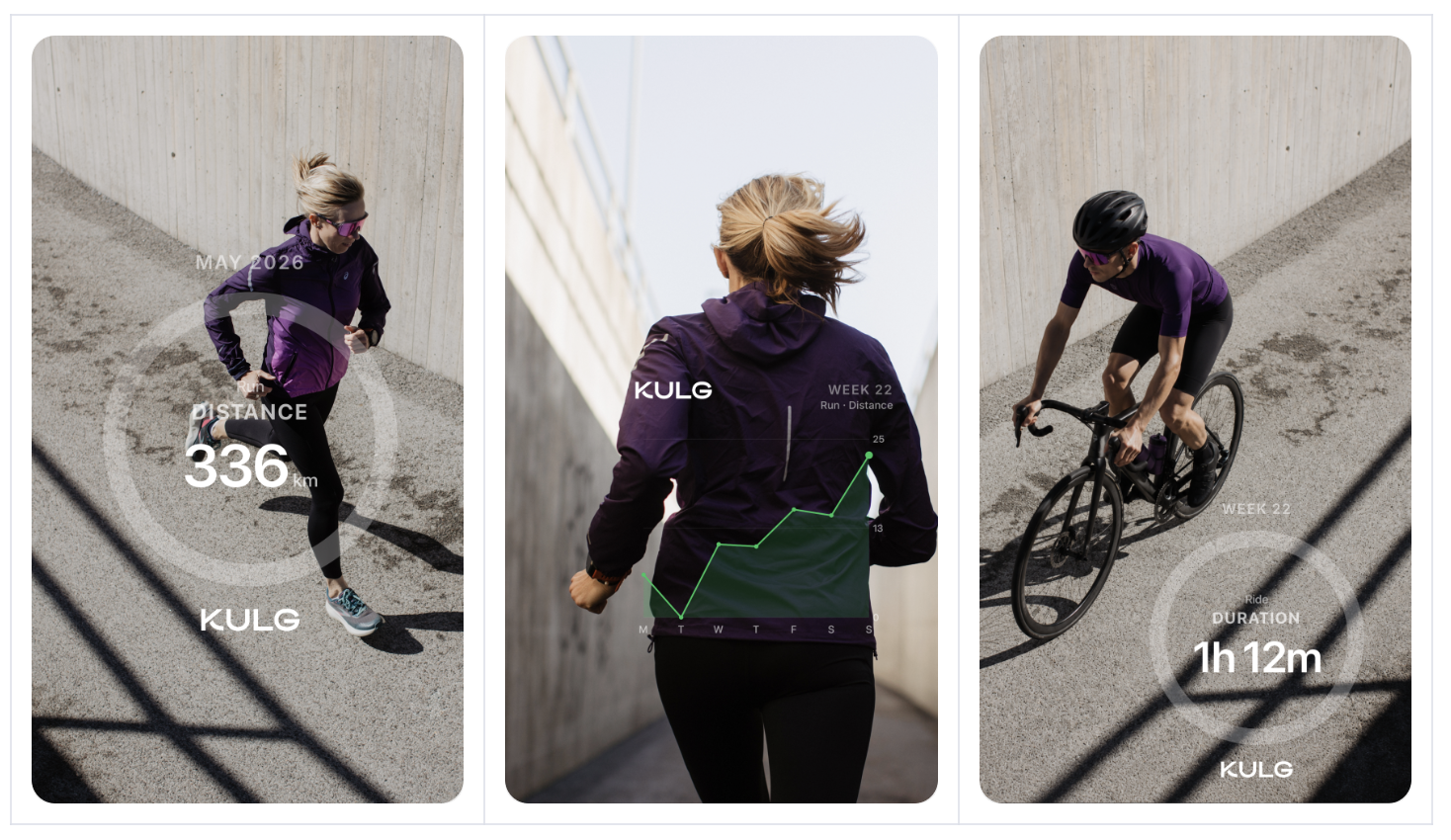
Simply download a chart of your choice from Recap and add it on top of your social media images (Photo credit: SADU)
How to use KULG recap?
Download KULG iOS (at least version 0.1.5) and sign in
Navigate to Dashboard and tap on the sharing icon in the upper right corner
Select graph style, colour, period, type of activity, metric, and download as png
Select an image for a post or story and add the png as a photo on your image
Share a quick recap of your week, month, or year with your followers